AliasHub WordPress Plugin

Extend your WordPress site with our official plugin. Create memorable aliases for your WordPress content and manage them directly from your dashboard.

Download Plugin

Why Use Our WordPress Plugin?

Enhance your WordPress site with these powerful features

🔗

Direct Integration

Manage all your aliases directly from the WordPress admin dashboard without leaving your site.

🚀

Quick Redirects

Create instant redirects from memorable aliases to any page on your WordPress site.

📊

Analytics

Track clicks and engagement for your aliases to understand what content resonates with your audience.

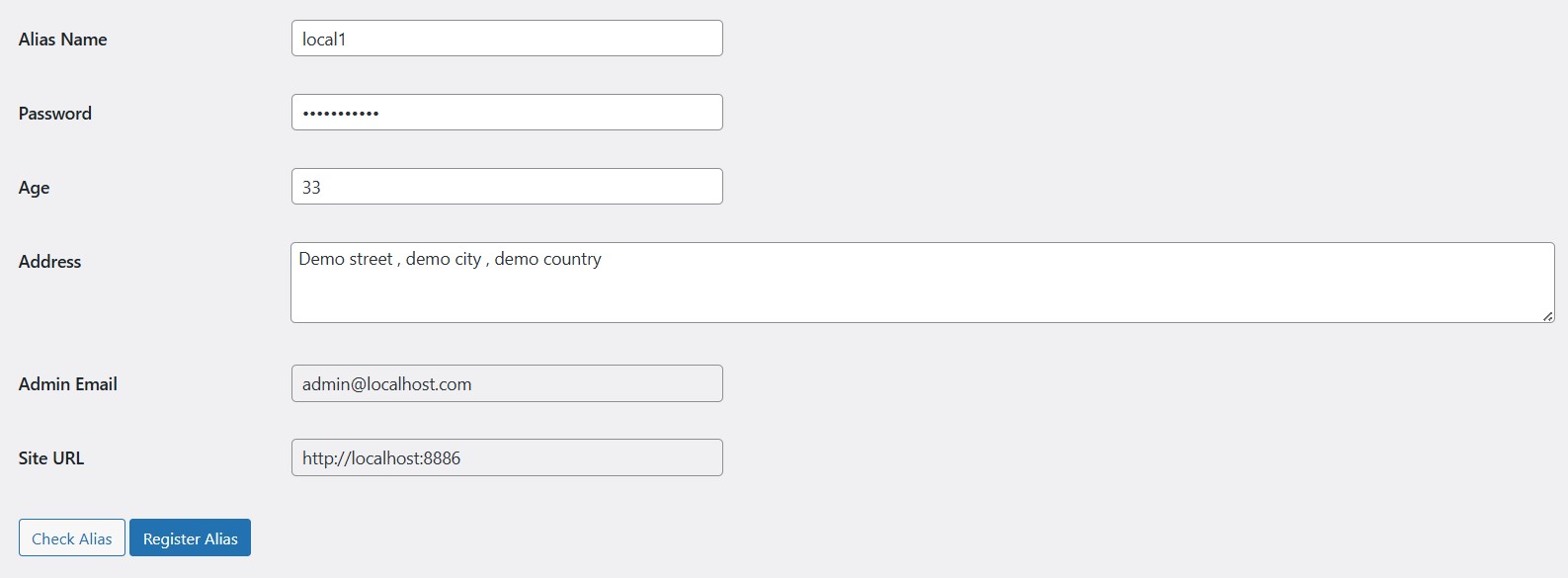
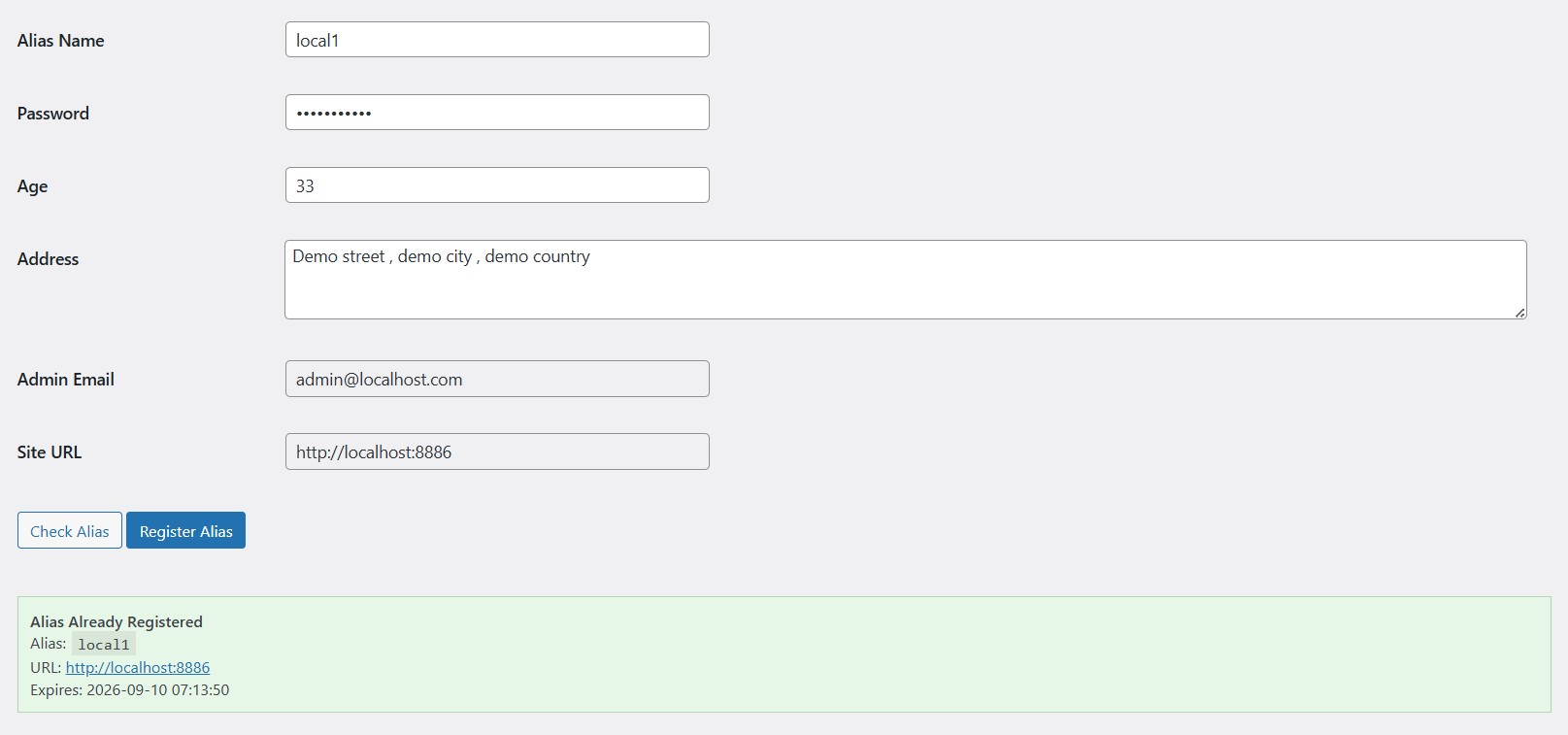
Plugin Screenshots

See how the AliasHub plugin looks and works within WordPress
Download The Plugin

Get started with the AliasHub WordPress plugin today

Download Plugin v1.2.0

Compatible with WordPress 5.0+

📥

Download

Click the download button to get the plugin ZIP file

⚙️

Upload

Upload the ZIP file to your WordPress site via the plugins page

🔧

Activate

Activate the plugin and configure your settings

Installation Guide

Step-by-step instructions for installing the AliasHub WordPress plugin

1

Download the Plugin

Click the download button above to get the latest version of the AliasHub WordPress plugin. The file will be downloaded as a ZIP file.

2

Log into WordPress

Access your WordPress admin dashboard by going to yourdomain.com/wp-admin and entering your credentials.

3

Navigate to Plugins

In the left sidebar, click on "Plugins" and then select "Add New" at the top of the page.

4

Upload the Plugin

Click the "Upload Plugin" button at the top of the page, then select the ZIP file you downloaded earlier.

5

Activate the Plugin

After the upload is complete, click "Activate Plugin" to enable AliasHub on your WordPress site.

6

Configure Settings

Go to the new "AliasHub" menu item in your WordPress sidebar to configure the plugin settings and start creating aliases.

Frequently Asked Questions

Common questions about our WordPress plugin

Is the WordPress plugin free to use? +

Yes! The AliasHub WordPress plugin is completely free to download and use with your AliasHub account.

Do I need an AliasHub account to use the plugin? +

Yes, you need an AliasHub account to use the WordPress plugin. The plugin connects to your account to manage your aliases.

What versions of WordPress are supported? +

The plugin works with WordPress 5.0 and higher. We recommend always using the latest version of WordPress for security and performance.

Can I use the plugin on multiple WordPress sites? +

Yes, you can use the plugin on multiple WordPress sites with the same AliasHub account. Your aliases will be synced across all installations.